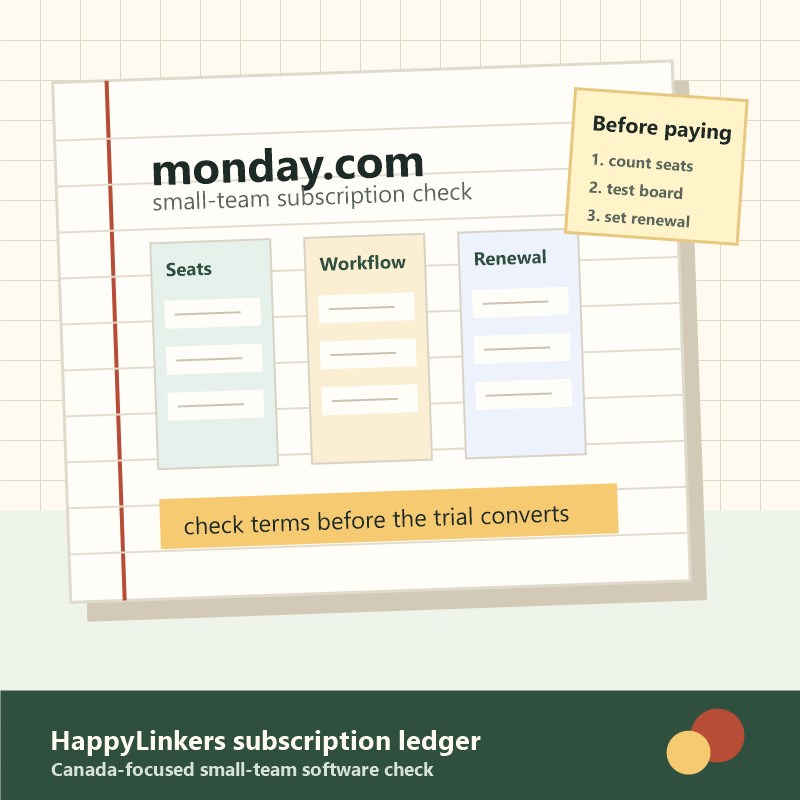
monday.com is easiest to judge after the demo glow fades. For a small Canadian team, the question is not whether a board can look tidy on Monday morning. The question is whether the subscription still saves work after every project, renewal, client request, and forgotten status update has to live somewhere.
Start with the weekly mess
Before comparing plans, write down the three problems the team keeps repeating. Missed follow-ups, scattered files, unclear owners, late approvals, and duplicate spreadsheets are real problems. A vague wish for a nicer dashboard is not enough reason to add another paid tool.
monday.com can be a fit when the team needs shared boards, owners, dates, views, automations, integrations, and reporting in one place. It is weaker when the team only needs a simple checklist, a shared document, or a calendar reminder.
The seat-count audit
Software gets expensive quietly when every occasional viewer becomes a paid seat. Count people by how often they will update work, not by how many people might want to peek at a board someday.
- Daily operators: people assigning work, moving tasks, updating status, and checking dashboards.
- Weekly contributors: people who need clear handoffs but may not need every board.
- Occasional reviewers: clients, contractors, or managers who may only need exported updates or limited access.
If the paid seat list is hard to defend in one sentence, pause before upgrading. A good work tool should reduce admin, not create a new permission map that nobody maintains.
What to check before using the monday.com link
The promotional link below may support HappyLinkers. Use it only after checking the current monday.com plan terms, billing period, seat minimums, feature limits, automation and integration limits, cancellation path, and tax treatment for your province.
- Screenshot the plan page and any trial or promotional terms before entering billing details.
- Write down who owns the renewal reminder and which card is charged.
- Test one real workflow before moving the whole team.
- Decide the downgrade rule before the first paid renewal.
Build one board before building a system
A small team does not need a perfect operating system on day one. Start with one board that has a real owner, a clear update habit, and a simple definition of done. If that board saves time for two weeks, then it may be worth adding automations, dashboards, or integrations.
The warning sign is a board that looks complete but still requires a separate spreadsheet, a private message thread, and a weekly meeting to explain what the board meant. That is not software savings. That is duplicated work with nicer colours.
Where monday.com can earn its place
HappyLinkers would look at monday.com first for repeatable work: client onboarding, content calendars, repairs, recruiting, operations checklists, campaign approvals, inventory follow-ups, or service requests. These are the jobs where ownership, due dates, status changes, and handoffs are visible enough to justify a shared board.
It is less compelling for a household budget note, a one-person side project, or a team that already ignores its current project tool. Software cannot fix a habit that the team refuses to keep.
Automations are not free time until they are maintained
Automations can remove small chores, such as notifications, status changes, reminders, and handoff nudges. They also need an owner. When a process changes, someone has to check whether the automation still fires at the right time and sends the right message.
For a Canadian freelancer or small shop, the practical rule is simple: automate only the repeatable steps that already happen every week. If the process is still messy, automation can hide the mess instead of fixing it.
When to skip or delay
Skip the upgrade if the team cannot name the workflow, the number of active users, the renewal owner, and the exit plan. Delay if the decision is mostly driven by a tidy demo board or a short promotion window.
The plain option can win. A shared spreadsheet, calendar, or simple task list may be enough for a small team with low project volume. A paid work management subscription earns its place only when it prevents missed work more reliably than the simpler setup.
Final household and small-team rule
Use one note before subscribing: the workflow being fixed, the number of paid seats, the monthly or annual cost, the first renewal date, the cancellation path, and the proof that the tool saved time. Revisit that note before the next billing cycle.
If monday.com helps the team stop chasing updates across email, chat, and spreadsheets, it may be worth testing. If it becomes another place to copy the same information, cancel or downgrade before the renewal turns into background noise.
Commercial note
HappyLinkers may earn from the monday.com link on this page. The recommendation still has to pass the seat, workflow, renewal, and cancellation checks above. Current pricing and feature limits should be verified on monday.com before acting.